ZombieCoffee Simple Example
Rebuild one FL Studio groove, then push it step by step.
01 starts with a rhythm made in FL Studio and recreates it in ZombieCoffee. 02 through 06 change one control at a time so you can hear what happens when you add accents, timing drift, note variation, longer phrases, and phrase variation.
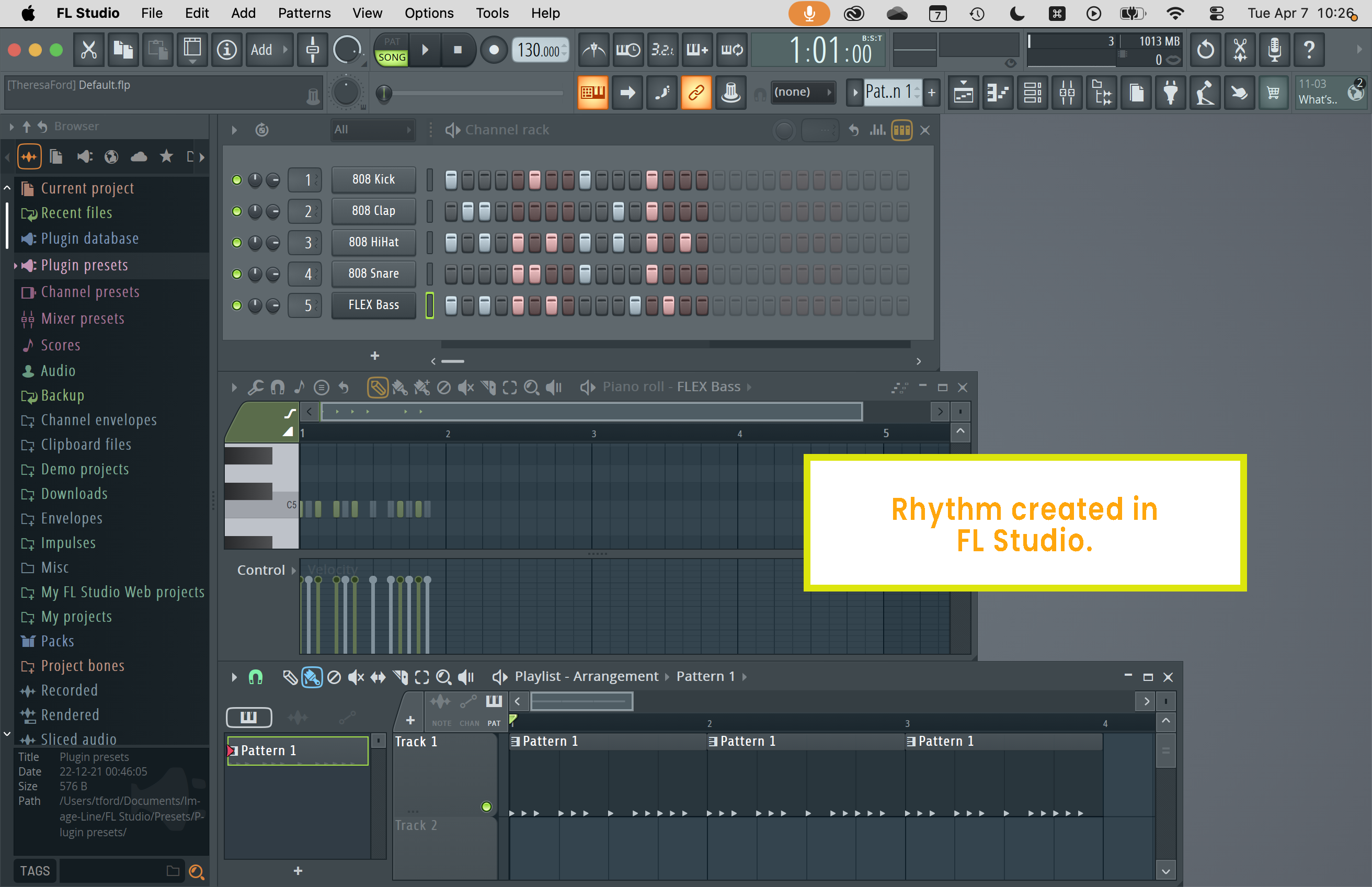
01 The Starting Rhythm
This starts with a simple rhythm sketched in FL Studio, then rebuilds the same pattern in ZombieCoffee. If you export the MIDI from ZombieCoffee and drop it back into FL Studio, it plays the same groove. The point here is a clean baseline before the later steps start changing the feel.
Listen
Source Files
02 Velocity Variance + Strong Beat
This adds velocity variation and pushes the first beat of each bar harder. The groove stays the same, but the hits stop feeling flat and start landing more like a programmed drum part with accents.
Listen
Source Files
03 Timing
This adds timing variation to note starts and ends. The pattern is still recognizable, but the groove loosens up and gets more movement, which is useful for hats, percussion, and anything that should feel less grid-locked.
Listen
Source Files
04 Notes
This changes which notes the track can choose from on each hit. It is not for writing an exact melody. It is for creating note variation, rotating sample triggers, or making a rhythm move across a mapped instrument without redrawing the pattern.
Listen
Source Files
05 Length
Up to this point, the example is a short 4-quarter-note pattern looped three times in FL Studio. Here, ZombieCoffee generates a full 12-quarter-note phrase instead. That gives you a longer evolving pattern rather than the same short loop repeating.
Listen
Source Files
06 Regenerate
Each generation re-applies the same rules and creates a new result. This uses the exact same setup as step 05, but generates a fresh pass. That is where ZombieCoffee becomes useful for producers: same idea, same boundaries, different variation when you want another take.